- Trevor AI
- Posts
- The "Plan My Day" Button is Here
The "Plan My Day" Button is Here

George Petrov
April 03, 2025
Some days you just want a One-Shot Daily Plan, tailored to you…
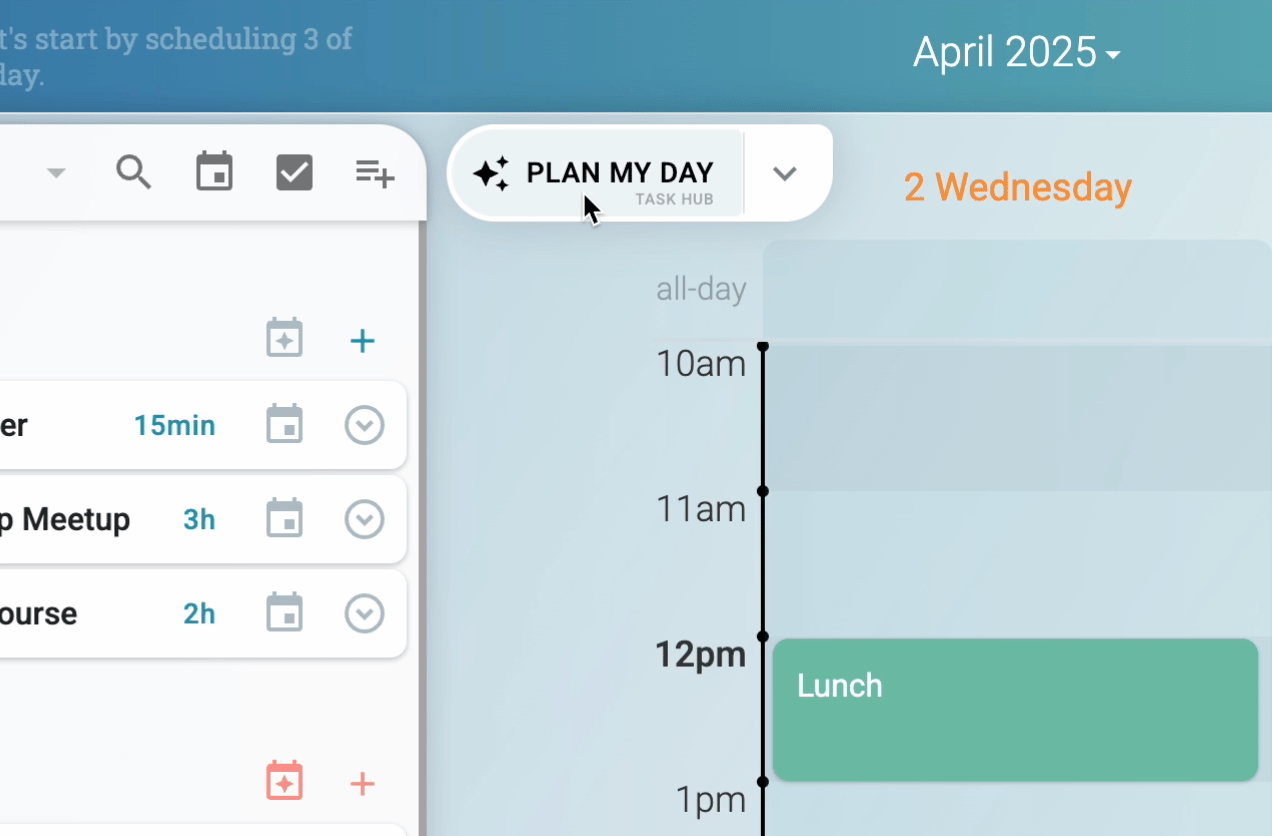
Transform your task lists into a manageable daily schedule with a single button.
Less Planning, More Doing
All it takes is 2 clicks… See it in action in the video.
What goes into a plan that works for you?
This seemingly simple button does a lot of magic in the background - taking into account your:
Task Lists (and all the tasks within them)
Calendar Events (and real-time availability)
Scheduling Preferences (and scheduling blocks)
Personal Scheduling Model (which improves with each planning session)
Additional Context you can optionally provide, such as field of work, role, etc.
All of that data is processed securely and privately, in a GDPR-compliant manner, in an effort to suggest the optimal schedule for your day.
Two-step process, by design
Once your suggested schedule is ready, click the confirmation and those tasks will be scheduled in your calendar. Alternatively, you can accept individual scheduling suggestions by clicking on them individually.
Try “Plan My Day” now, in its full capability during the Beta
Planning Options
Expand the Plan My Day widget to show additional options:
Source of tasks - allows you to choose from:
Task Hub - Trevor uses advanced AI to select the optimal tasks for today from all of your tasks, including integrations with Google Tasks, Microsoft To Do, and Todoist.
Scheduling Queue - Trevor will only suggest tasks from the scheduling queue - giving you fine control over which tasks (or lists) you want the AI to schedule.
Opened List or Filter - Opening a task list or Todoist filter makes sure only those tasks will be suggested.
Overdue Tasks - Only uncompleted tasks with past due dates will be suggested for rescheduling.
Timeframe - select between a plan for a day, 3 days or a week. Planning is always calculated for the calendar days in view.
Thank you for your time and happy planning! We would love to hear your feedback in a /reply.